Sort
Moves the files and folders at the top of the folder you pick into a new folder called Sorted. Photos and videos go by what's in them. Documents, spreadsheets, archives, code and audio go by type.
Standard edition. Mac and PC. Pay once.
File Sorter tidies a messy folder on your own Mac or PC. Press one button, your files fly into labelled boxes on a plain white board, and Undo puts them back if you don't like the result.
One payment, no subscription. Runs on your own computer.
Prefer a crew of crabs? See the themed versions. They're included.
Standard is a plain white board where your files do all the moving. I recorded this on my Mac and sped it up 2x. It shows one full sort of a made-up folder, then Undo.
Beach crabs, pirates and cleaners run the same sort as Standard, with characters hauling your files across the screen. All three come with File Sorter, and you switch between them at the bottom left of the app. I recorded these clips on my Mac at normal speed, before I added the Review pen, so you won't see it here.

I'm Praza. I make videos, so my Mac fills up with clips, screenshots, zips and PDFs, and I was never going to sort them by hand. So I built a button that does it.
Then I gave the job to a crew, because watching crabs haul your files across a beach beats looking at a progress bar. You pick the crew, or the plain Standard board if you'd rather skip it. You also pick the folder, and you can undo the lot.
Moves the files and folders at the top of the folder you pick into a new folder called Sorted. Photos and videos go by what's in them. Documents, spreadsheets, archives, code and audio go by type.
Handles photos and videos only. It files them by type of shot, such as Desk, B-roll or Travel, then by format: 9x16, 4x5, 1x1 or 16x9. I made this one for my content folders.
Finds exact copies and keeps the oldest. Move puts the copies in their own folder. Flag leaves them in place, with a red Duplicate tag in Finder on a Mac or a list in a text file on a PC. You decide what to delete.
Puts every file back where it was, and on the crew boards a tornado lifts the lot. It works after a restart, and you can press it again to step back through earlier sorts.
Photos and videos it can't read or isn't sure about go into a _Review folder instead of getting a guess. So do clearly blurred, black or blank shots, and videos under 3 seconds where nothing happens.
Shows every folder with its file count and size, how much is in _Review, and the 10 files it was least sure about. A sorted.csv file lists every moved item and why it went there.
Setup takes about 15 minutes, once, and most of that is waiting for downloads.
Unzip it, move the folder into Documents and follow the setup guide inside.
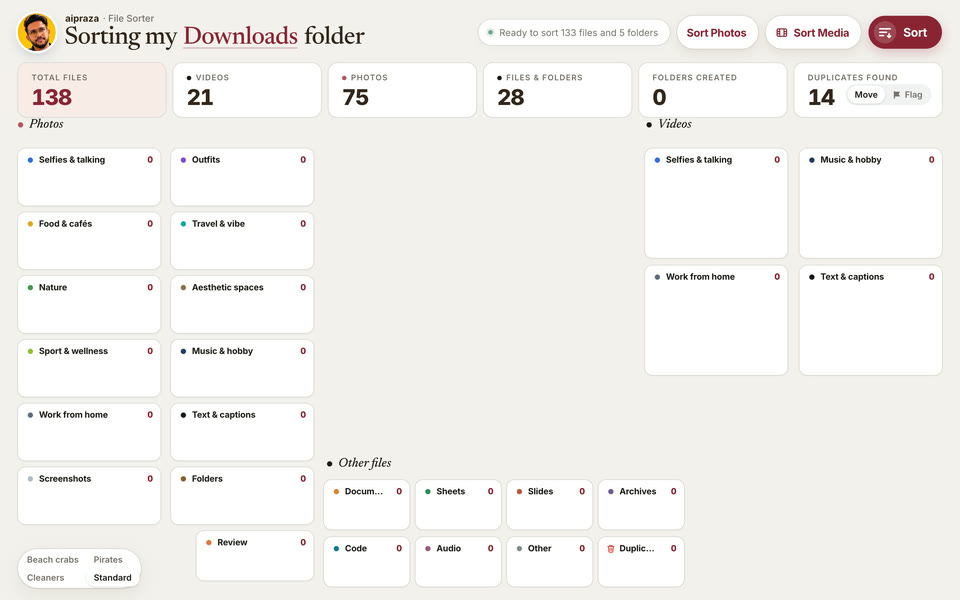
Click the underlined folder name at the top left. It starts on Downloads. On a Mac, click Allow when macOS asks for access. Start with a small test folder.
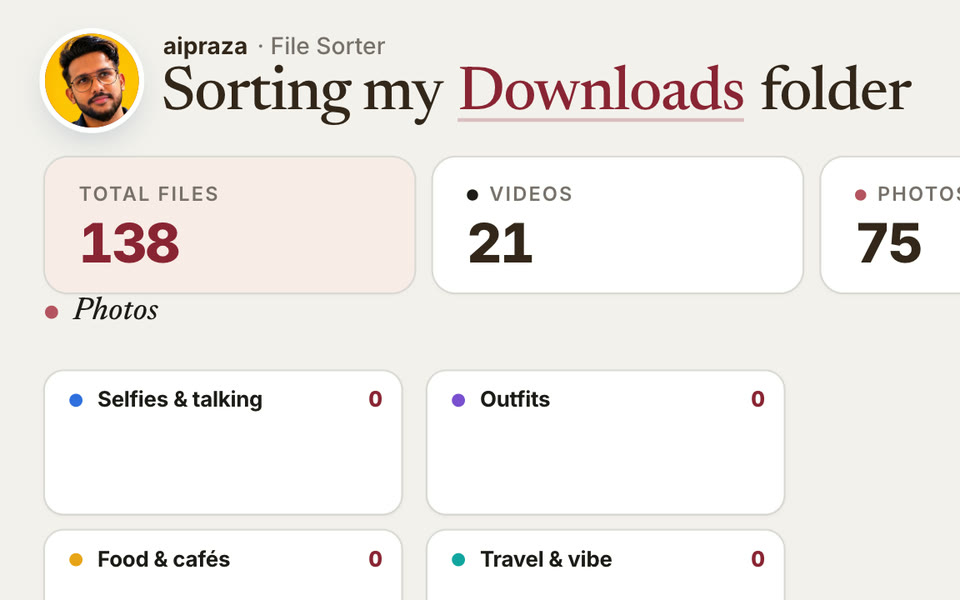
File Sorter looks at each photo and video and moves everything to its folder. Press Open to see the result.
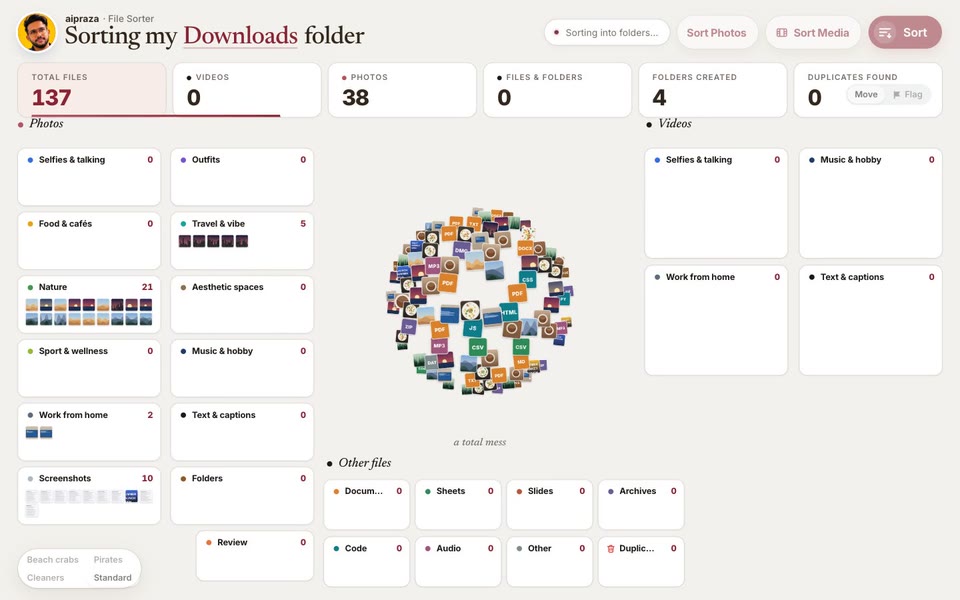
Files and folders at the top level of the folder you pick. They go into a Sorted folder inside it. Folders move whole.
Hidden files, half-finished downloads, system folders, app libraries such as Photos, Lightroom, Adobe and Zoom, Obsidian vaults, and the app itself. It won't take apart your home folder or a whole drive.
It deletes nothing, and Undo restores what it moved. Moved folders can break shortcuts, aliases and anything else that points at them until you undo. Keep a backup of anything you can't lose.
You get the app with the Standard board and all three crews, plus the setup guide, as a zip straight after checkout on Whop. Whop shows the price in your local currency and adds tax where it applies.
Get File Sorter for $15UK and EU buyers can ask for a refund within 14 days. Refund policy